
How to Clean Your PS5 Without Opening It: The Expert Guide
Learn how to remove dust from your PS5 without breaking warranty seals. Master the professional techniques to stop overheating and fan noise using high-velocity airflow.
The Silent Performance Killer: Why Your PS5 is Struggling
As a developer and hardware engineer, I’ve spent my career obsessing over thermal efficiency. Whether it’s a high-density server rack or a custom-built workstation, heat is the ultimate enemy of silicon. When I founded LifeVolt, it was born out of a frustration I shared with millions of gamers: watching a $500 piece of precision engineering slowly choke on household dust. You’re in the middle of an intense raid or a cinematic boss fight, and suddenly, you hear it—the dreaded "jet engine" sound. That’s your fan hitting maximum RPM just to keep the APU from melting.
For the average homeowner or gamer, the PlayStation 5 is more than a console; it’s a high-performance computer. However, unlike a PC that you can easily pop open, the PS5 feels like a "black box." Many users are terrified of those tiny warranty stickers. If you peel them, you lose your safety net. But if you leave the dust alone, the hardware suffers. This friction is exactly why we developed the LifeVolt 750W High Power Blower. We wanted to bridge the gap between professional-grade maintenance and the safety of keeping your console intact. Cleanliness isn't just about aesthetics; it’s about maintaining the "out-of-the-box" performance that Sony’s engineers intended. When dust accumulates on the intake fins, it creates an insulation layer that traps heat, forcing the system to work harder and reducing the lifespan of every internal component.
The Physics of Cooling: Thermal Throttling and Airflow
To understand why a deep clean is necessary, we have to look at the science of fluid dynamics and thermodynamics within the PS5’s chassis. The PS5 utilizes a large, double-sided intake fan that draws in cool air to pass over a massive heatsink assembly. This air is then exhausted through the back. The efficiency of this system is measured by CFM (Cubic Feet per Minute)—the volume of air the fan can move. When dust particles (which are often slightly acidic or contain conductive skin cells) settle on the heatsink, they increase the surface roughness and reduce the effective surface area for heat exchange.
This leads to Thermal Throttling. Modern processors, like the PS5’s custom AMD Ryzen Zen 2, have built-in safeguards. Once a specific temperature threshold is reached, the system automatically lowers its clock speed to prevent permanent hardware failure. For you, this means dropped frames, stuttering, and longer load times. Furthermore, we have to consider ESD (Electrostatic Discharge). Using improper tools like a standard household vacuum can generate a static charge that can jump to the motherboard. At LifeVolt, we focus on high-velocity, focused airflow because it leverages kinetic energy to dislodge dust without the physical contact that risks ESD. By using a high-wattage blower, you are essentially "resetting" the pressure differential of the cooling system, ensuring that the fan doesn't have to spin at higher RPMs to achieve the same cooling effect.
Step-by-Step: The LifeVolt Professional Clean (Warranty Safe)
Follow this professional protocol to ensure your PS5 remains in peak condition without ever touching a screwdriver.
Step 1: Power Down and De-energize
Safety first. Fully power down your PS5—do not leave it in Rest Mode. Unplug the power cable, HDMI, and any peripherals. Once unplugged, hold the power button for 5-10 seconds to drain any residual electricity from the capacitors. This ensures that any dust being moved doesn't cause a short across an energized trace.
Step 2: Remove the Faceplates (Wings)
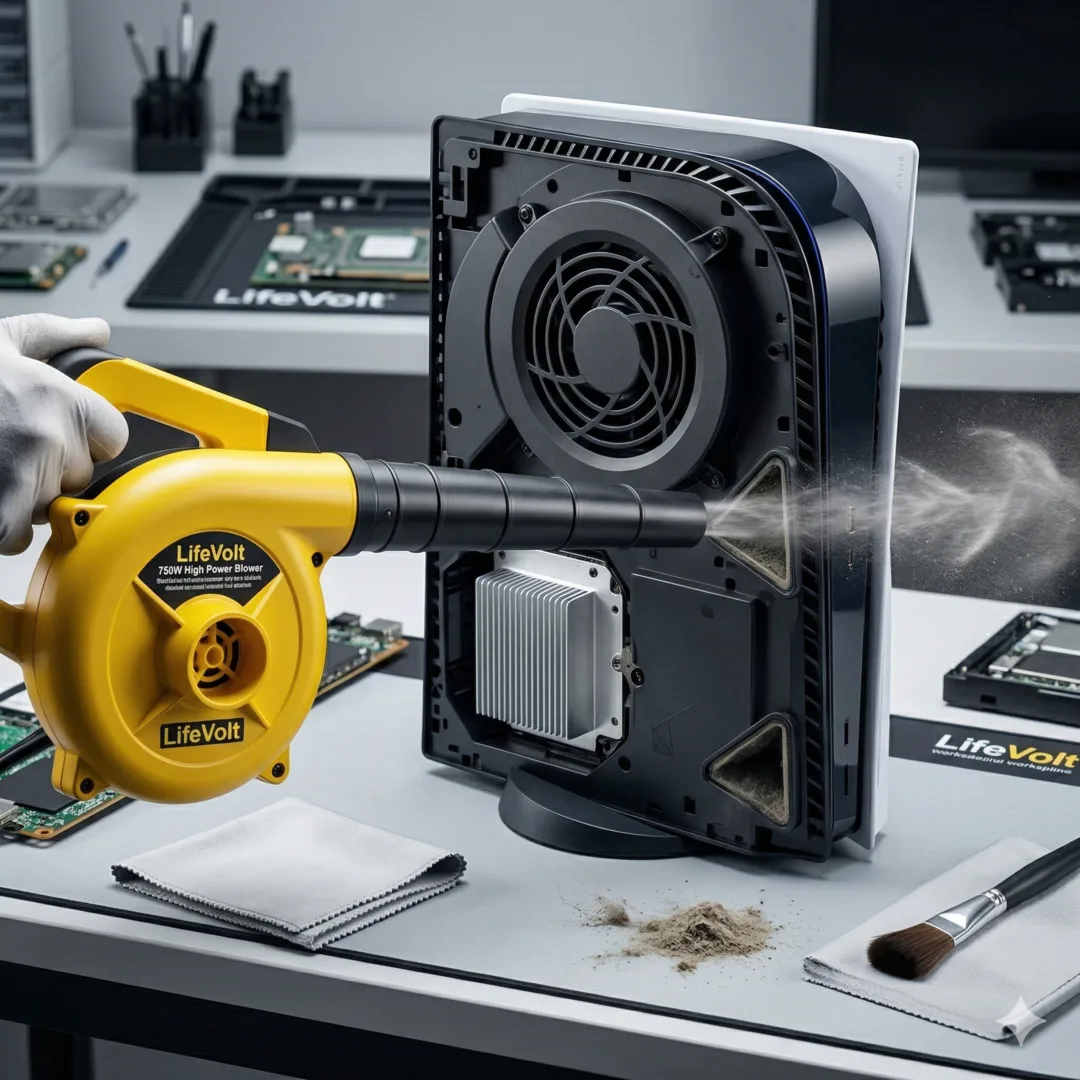
While this sounds like "opening" it, removing the white outer shells is a feature designed by Sony and does not void your warranty. Lay the console flat. Lift the back corner of the plate slightly and slide it toward the bottom of the console. This exposes the fan intake and the dedicated "dust catchers"—two holes designed specifically to allow you to blow out or suction out debris.
Step 3: Clear the Intake Vents and Dust Catchers
Position your LifeVolt 750W Blower about 6 inches away from the fan intake. Using short, controlled bursts, blow air into the fan. You will see clouds of dust exit through the back exhaust. Next, aim the nozzle directly into the two triangular dust catcher holes. The LifeVolt’s 750W motor provides the necessary static pressure to pull dust out of the deeper crevices of the heatsink that lower-powered devices simply can’t reach.
Step 4: Deep-Blast the Exhaust Ports
The rear of the PS5 is where the most heat is dissipated. Dust often cakes onto the back grill. Use the LifeVolt blower to blast air through the back vents. This "reverse-flow" technique dislodges particles that are wedged between the copper heat pipes. Because LifeVolt uses filtered air at a high velocity, it clears the fins without introducing moisture, unlike canned air.
Step 5: Port and Peripheral Maintenance
Don't forget the USB-A, USB-C, and LAN ports. Dust in these ports can cause connection drops or "Controller Disconnected" errors. Give each port a quick, half-second burst. Finally, wipe down the internal black plastic with a dry microfiber cloth before sliding the white plates back on until they click into place.
Comparative Analysis: Why LifeVolt Wins the Maintenance War
When it comes to hardware maintenance, not all air is created equal. Let's look at the "Cost vs. Benefit" of the most common methods:
- Canned Air (Aerosol): While cheap initially, canned air is actually expensive in the long run ($10/can). More dangerously, it uses chemical propellants that can leave a bitter residue or liquid moisture if the can is tilted. It also lacks the CFM needed to move stubborn "caked" dust.
- Household Vacuums: As mentioned, these are ESD nightmares. They are also bulky and lack the focused nozzle pressure to penetrate a dense heatsink. They are designed to suck, not blow, which often just compacts dust deeper into the console's corners.
- Manual Brushes: Using a brush can actually push dust deeper into the fan bearings. If the bristles aren't anti-static, you risk shocking the motherboard. It's a surface-level fix for a deep-seated problem.
- LifeVolt 750W Blower: The upfront investment pays for itself within a year. With a 750W industrial-grade motor, it provides consistent, dry, and filtered air. It's the "Nuclear Option" for dust, ensuring that even the microscopic particles trapped in the PSU (Power Supply Unit) are cleared out.
| Method | Efficiency | Safety | Lifetime Cost |
|---|---|---|---|
| Canned Air | Low | Moderate (Moisture Risk) | High (Recurring) |
| Vacuum | Low | Dangerous (ESD) | Low |
| LifeVolt 750W | Extreme | Professional Grade | One-time Investment |
Long-Term Maintenance: The Developer’s Schedule
To keep your PS5 running like new for the next 5-7 years, you need a schedule. Dust damage is cumulative. Small amounts of heat over a long period cause "electromigration," where the circuit traces slowly degrade.
I recommend a Quick Blast once every month. This involves just blowing through the external vents without removing the plates. For a Deep Clean (removing plates), aim for once every 3 to 6 months depending on your environment. If you have pets or carpeted flooring, lean toward every 3 months. Signs you are overdue include: the console feeling hot to the touch on the shiny black middle section, visible dust on the back ports, or the fan spinning up during low-demand tasks like streaming Netflix.
The LifeVolt Mission
At LifeVolt, our mission is simple: we want to empower you to take care of the technology you love. We believe that professional-grade tools shouldn't be restricted to repair shops. The LifeVolt 750W Blower is a testament to that—a powerful, reliable, and safe way to ensure your hardware lives as long as your passion for gaming. Don't let dust throttle your experience. Secure your hardware's future today.
Ready to give your PS5 the airflow it deserves? Shop the LifeVolt 750W High Power Blower here.
Featured Products
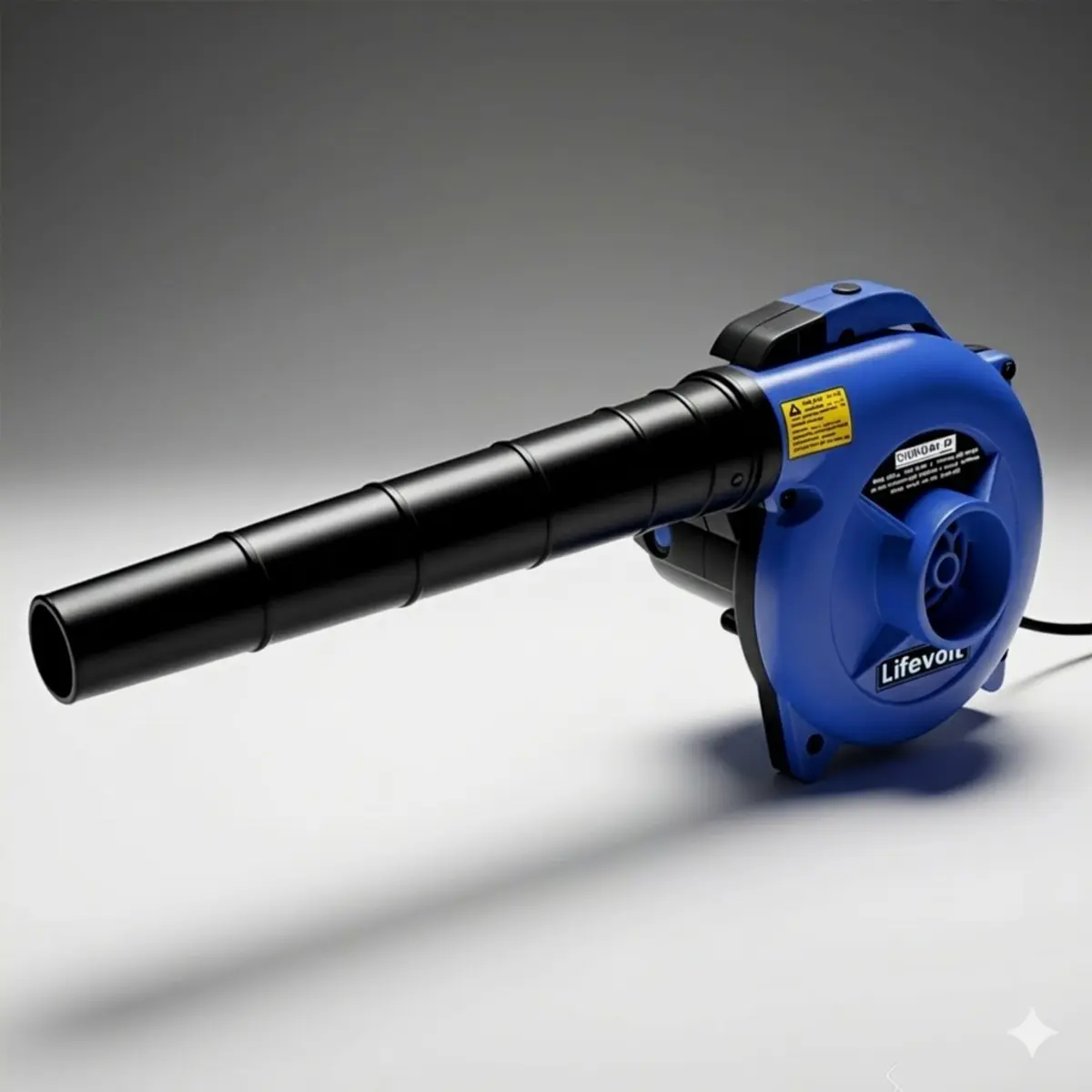
Lifevolt Electric Air Blower 750W High Power Dust Cleaner | 18000 RPM, 230V, 222 km/h Air Speed | 3 Hours Continuous Working | Multi-Purpose Blower for AC, Car, Computer & Workshop Cleaning
View product →
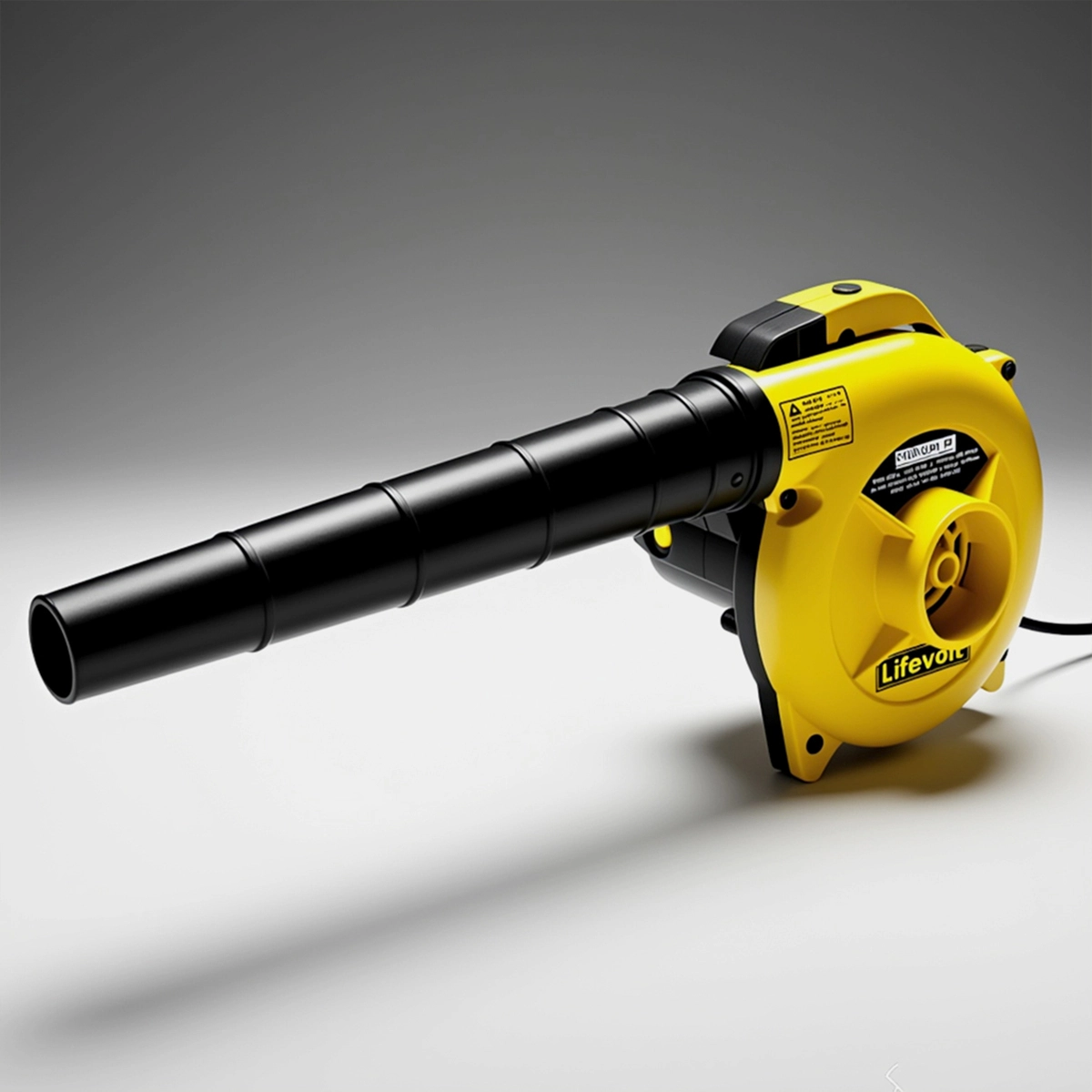
Lifevolt Electric Air Blower 750W High Power Dust Cleaner | 18000 RPM, 230V, 222 km/h Air Speed | 3 Hours Continuous Working | Multi-Purpose Blower for AC, Car, Computer & Workshop Cleaning
View product →